


Felixspin App
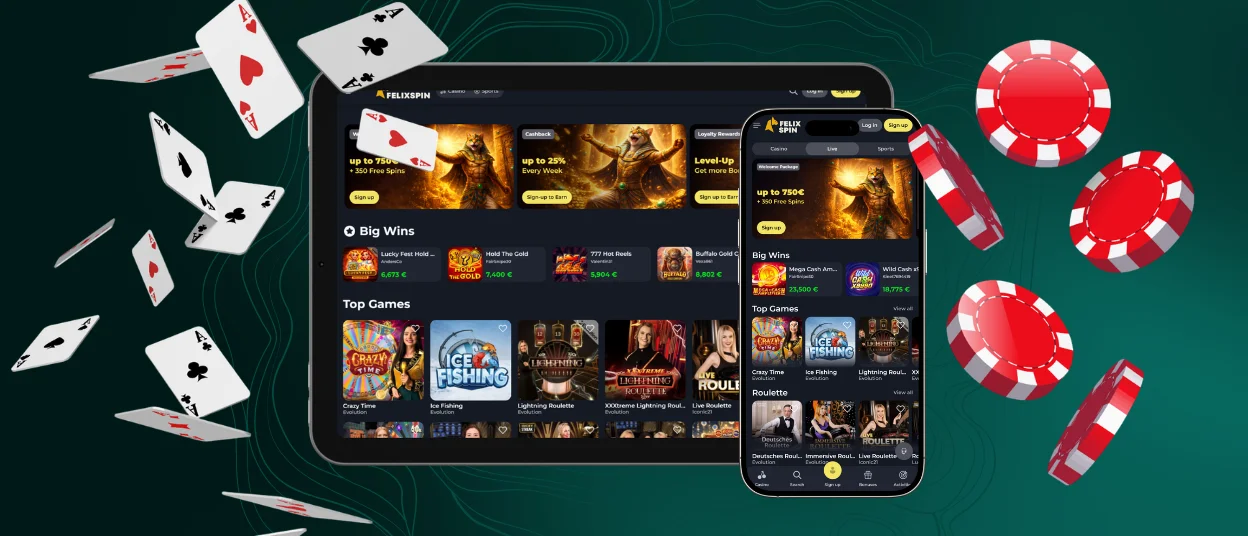
Once you discover the Felixspin app, playing on the go will no longer be a challenge for you. Thanks to features like native full-screen mode and customizable push notifications, your gaming experience will feel as though these benefits have always been there. There are no restrictions compared to the web version; you’ll have access to all the same games, bonuses, and other benefits. You can install the application on any supported device running Android or iOS or on desktop computers.



Why Players Use Mobile Application
There are many reasons why Felixspin Casino users choose to play via the app. It’s based on PWA technology, which makes it easy to access right from the installation stage, since it takes up virtually no space on the device and downloads directly from the website.
We’ve also optimized and streamlined some of the animations in our games, so they’ll run smoothly and quickly even on lower-end devices. And thanks to Face ID login, the sign-in process will take just a few seconds.
Benefits and Features of the Felixspin App
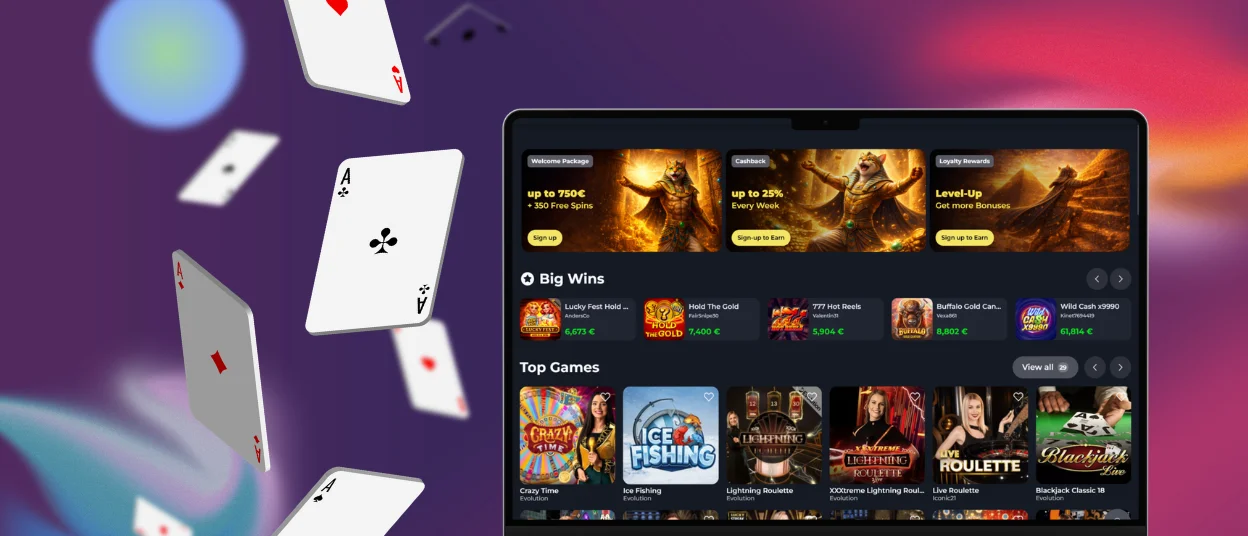
When comparing playing on a personal computer to playing on the Felixspin app, each has its own advantages. For example, when playing on a desktop, you can appreciate the level of detail and the quality of the graphics in slots from leading providers. It’s something that’s hard to imagine on a smartphone screen. It’s also more convenient to enter your personal and payment information right from the start on a PC.
If you choose to play on your mobile device, however, the main advantage is undoubtedly portability. You can play your favorite games at Felix Spin Casino even on the go, and genres like crash games seem tailor-made for playing while waiting in a tedious line or during a long commute during rush hour.
How to Install the Felixspin App on Any Device
To install the Felixspin app on any of your devices, you won’t have to go to any special trouble or visit third-party websites. Simply visit our official website and, depending on your device, follow the steps described below. Once you’ve completed them, you’ll be able to start playing right away. You should also check the minimum system requirements before installing, as the game may not work properly if your device doesn’t meet them.
Felixspin App for Android
If you want to download our software onto your Android tablet or device, you don’t need to visit Google Play or any other third-party websites. Just read and follow these quick instructions:
- Open our Felixspin Casino official website in any browser
- Tap the “Menu” button
- Next, tap the “Add to Home Screen” button
- Choose a name for the shortcut or leave it as is, then confirm the installation
- Wait for the icon to appear on your screen
Once the process is complete and you’ve logged into your account, you can immediately customize your profile and enjoy all the benefits of playing on the platform.
Mobile Application for iPhone and iPad
You can also access the Felixspin app on your iPad and iPhone directly from our website; no need to visit the App Store. All you need to do is go to the platform and tap the “Share” button. You’ll then see the “Add to Home Screen” button; tap it to name the application. The final step is simply to confirm the action and wait a few seconds for the program to appear on your device’s screen. There’s no need to install updates in the future, as Felix Spin Casino software and all current games and promotions are patched automatically.

Play Felix Spin Casino on Mac or Windows
On platforms such as macOS and Windows, you can access the Felixspin software. We developed a desktop version because the browser version also imposes certain limitations, such as a restricted full-screen mode and the lack of convenient notifications.
To start playing with the software, simply go to the official site, click the install button in the address bar, choose a name for the app, and wait for the icon to appear on your computer’s desktop. The app is also optimized for these platforms, which improves gameplay and loading speeds even on older devices.
Mobile Gaming Tips for a Better Experience
We’ve put together a few tips to help you enhance your gaming experience on the Felixspin mobile casino application and avoid common user mistakes. To review them, see the table below:
| Tip | Why It Helps |
| Use a stable Wi-Fi connection | No lag or disconnections during live games |
| Enable push notifications | Receive bonuses and tournament notifications |
| Adjust screen brightness | Lowers eye strain for extended sessions |
| Close unused apps | Frees up memory for improved performance |
| Enable Face ID | Accelerates access and adds security |
FAQ
Will favorite games and recent activity sync across mobile and desktop?
Yes, you can view a complete history of your gaming and other activities in your Felixspin profile. To do this, go to the “History” tab, where you can also view your transaction and bonus history and, for your convenience, select the date range for the period you’re interested in.
Can live chat be opened from the Felix Spin Casino during gameplay?
On mobile devices, live chat works without interrupting the game, so you can report an issue or contact our support team as quickly as possible. Your game progress won’t be reset and will remain the same.
What should I check if the Felixspin application shortcut stops loading correctly?
To resolve issues with the Felix Spin app, first check the minimum requirements your device must meet. It’s also possible that scammers have gained access to your account; in that case, if you’ve completed the verification process, it will be easier to regain access. In all other cases, our team will help you find a solution and send instructions to your email.


